 PixelyChat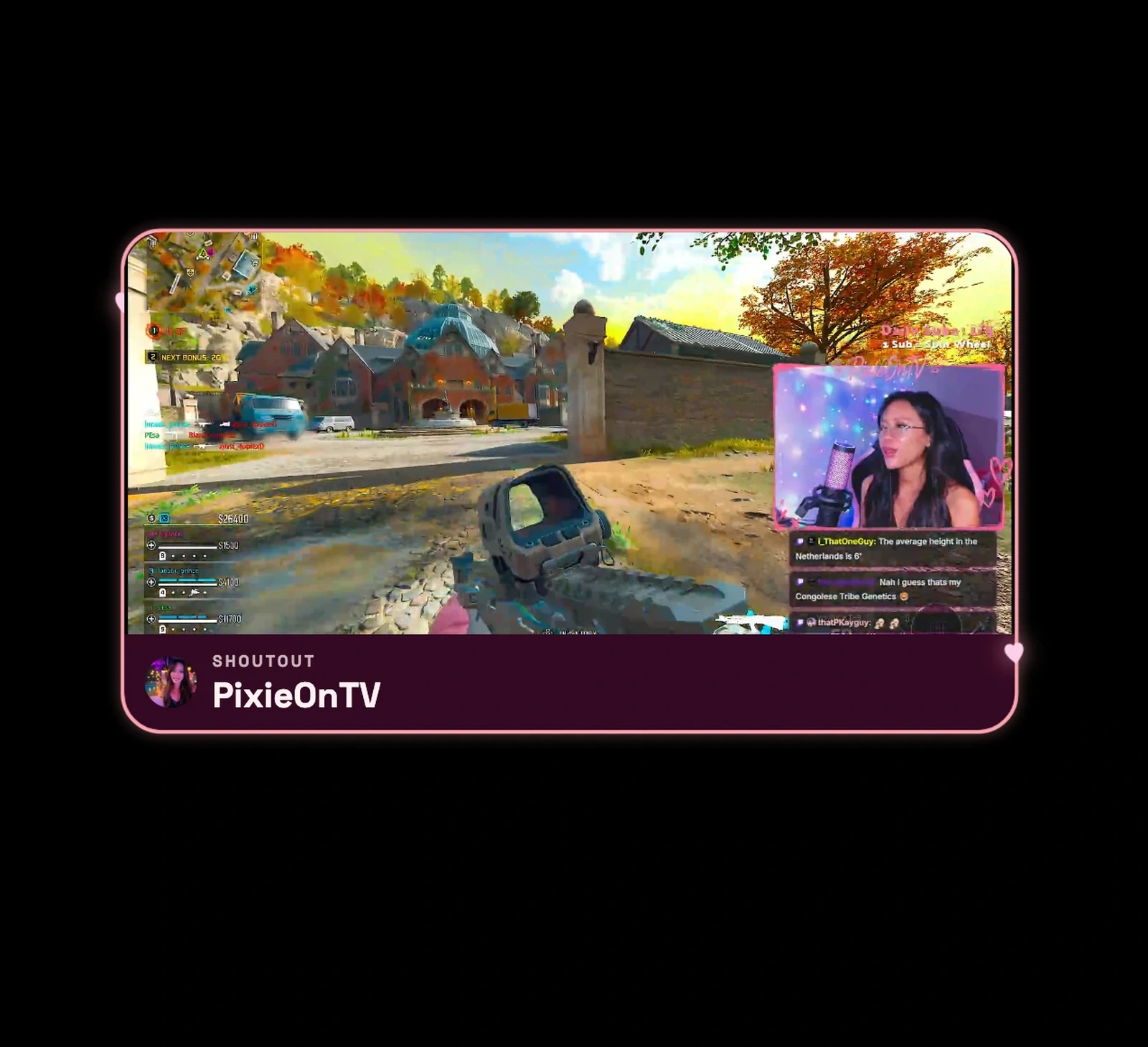
Starting Soon and Be Right Back
Cover your scene with a full-screen Starting Soon or Be Right Back screen: your title and subtitle, a background in your theme or your own image, and background music. While it's up, it plays random clips from your own Twitch channel, so viewers have something to watch. Clips from the stream that's still running are skipped, and you can play your own videos instead.
- Separate volumes for music and clips, with the music turned down while a clip plays.
- Avoids playing the same clip twice in a row.
- Works in horizontal and vertical layouts.
Visual Shoutout
When you shout out another creator with !so, a card pops up on stream with their name, avatar and game, and one of their Twitch clips plays in it. Choose how long it plays, how loud, and whether the same creator can get another shoutout right away.
Media Player
Play a sound, an image or video, or both at once, whenever you want: from the Dashboard, a hotkey, a Stream Deck key, a chat command or a reward. Move and resize it in the preview, loop it or stop it after a set time, remove a green-screen background, and set the video and sound volume separately.
Try it
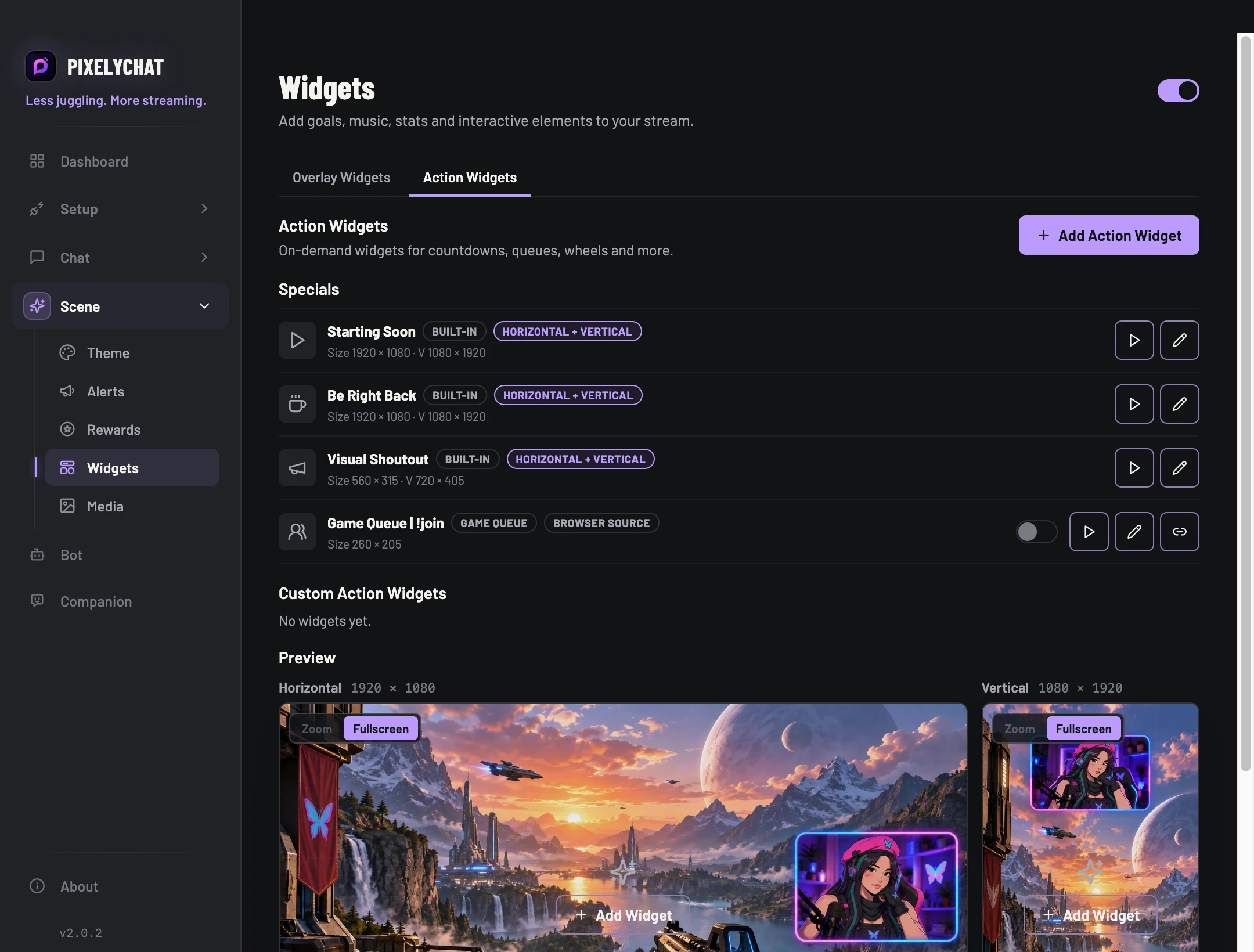
- Open Scene → Widgets → Action Widgets.
- Starting Soon, Be Right Back and Visual Shoutout are already there. Add a Media Player with Add Action Widget.
- Start them from the Dashboard, a hotkey or Stream Deck. They show up in your Stream Scene Browser Source.