 PixelyChat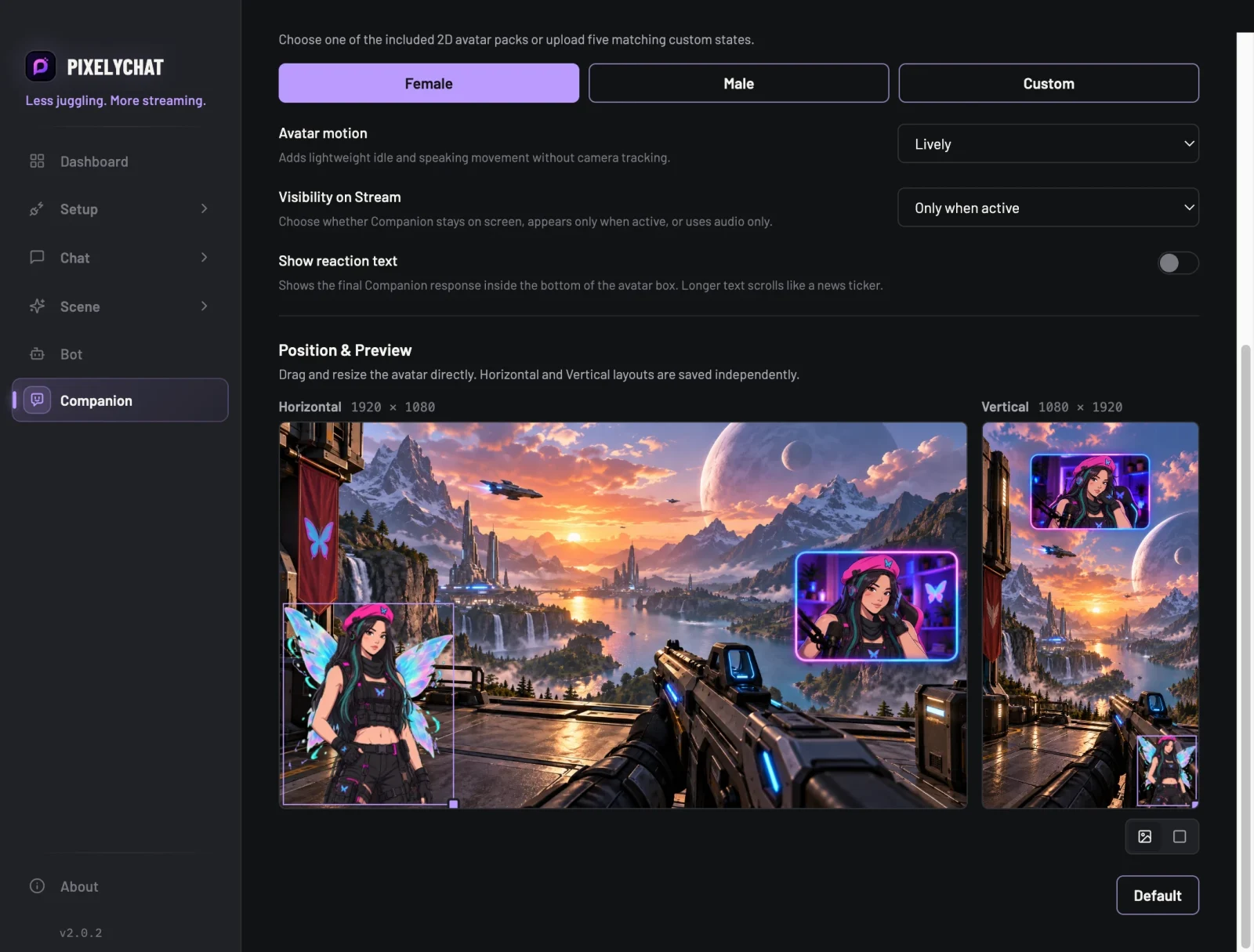
A second personality on your stream
The Companion is a 2D avatar with its own name, personality and voice. It sits in its own Browser Source, speaks its lines with captions, and changes expression while it talks. Pick one of the included avatars or use your own character.
It reacts to your stream
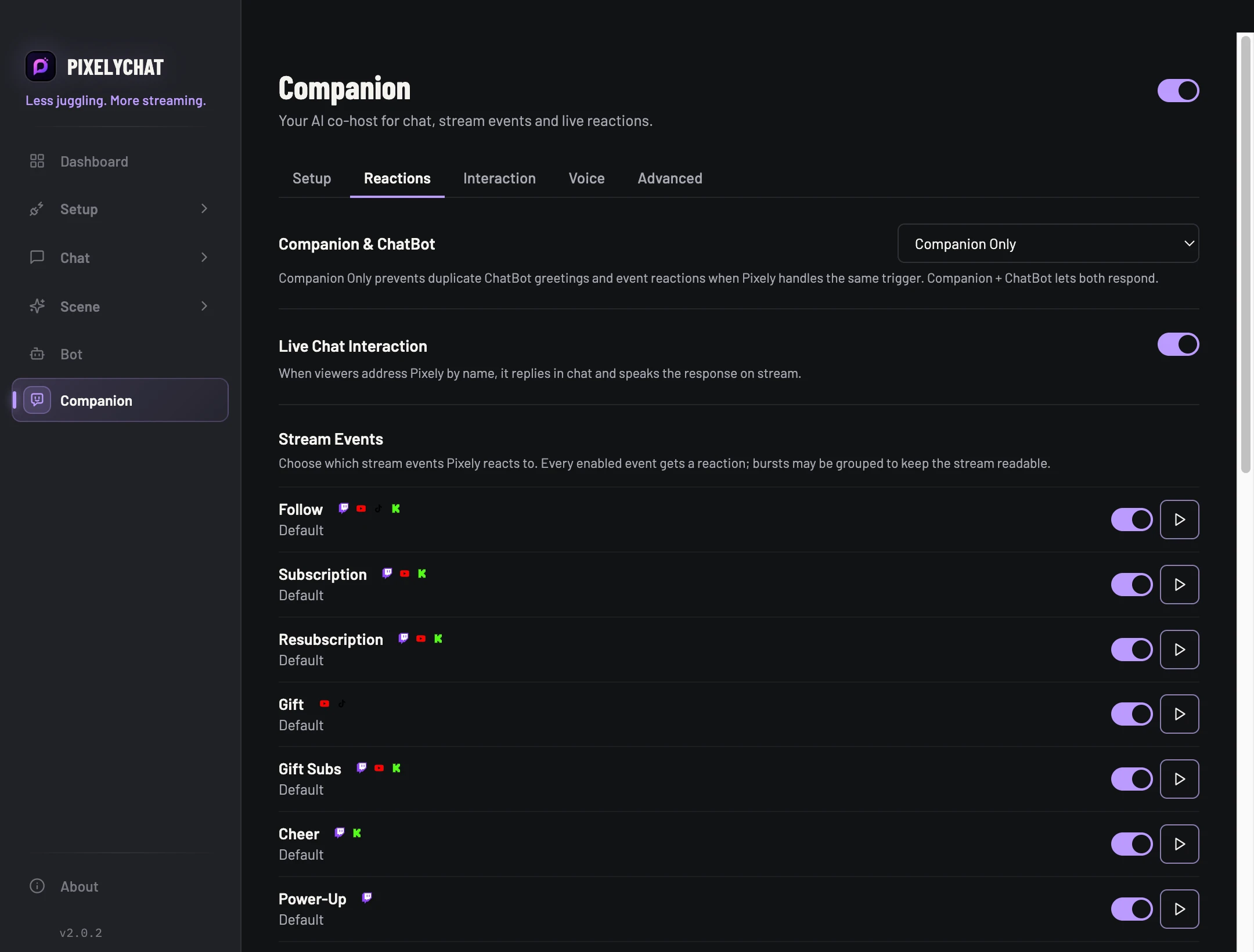
- Reacts to follows, subs, gifts, raids, rewards and other stream events you choose.
- Answers viewers who talk to it by name, in chat and out loud.
- Welcomes moderators, VIPs or everyone the first time they chat in a stream.
- Breaks long quiet stretches with Auto Talk: jokes, compliments, hype or questions for chat.
Your voice, your call
Use the free local voice that runs on your computer, or connect your own ElevenLabs account. Show the Companion all the time, only while it talks, or use audio only.
Talk to OBS with your voice
With a push-to-talk hotkey you can control supported OBS actions by voice while you play, like switching scenes or muting a source. Speech is processed on your computer and discarded after the command.
Try it
- Open Companion and choose a name, personality and avatar.
- Pick a voice and the events it should react to.
- Add the Companion Browser Source from Setup → Overlays → Companion to OBS or Streamlabs.