 PixelyChat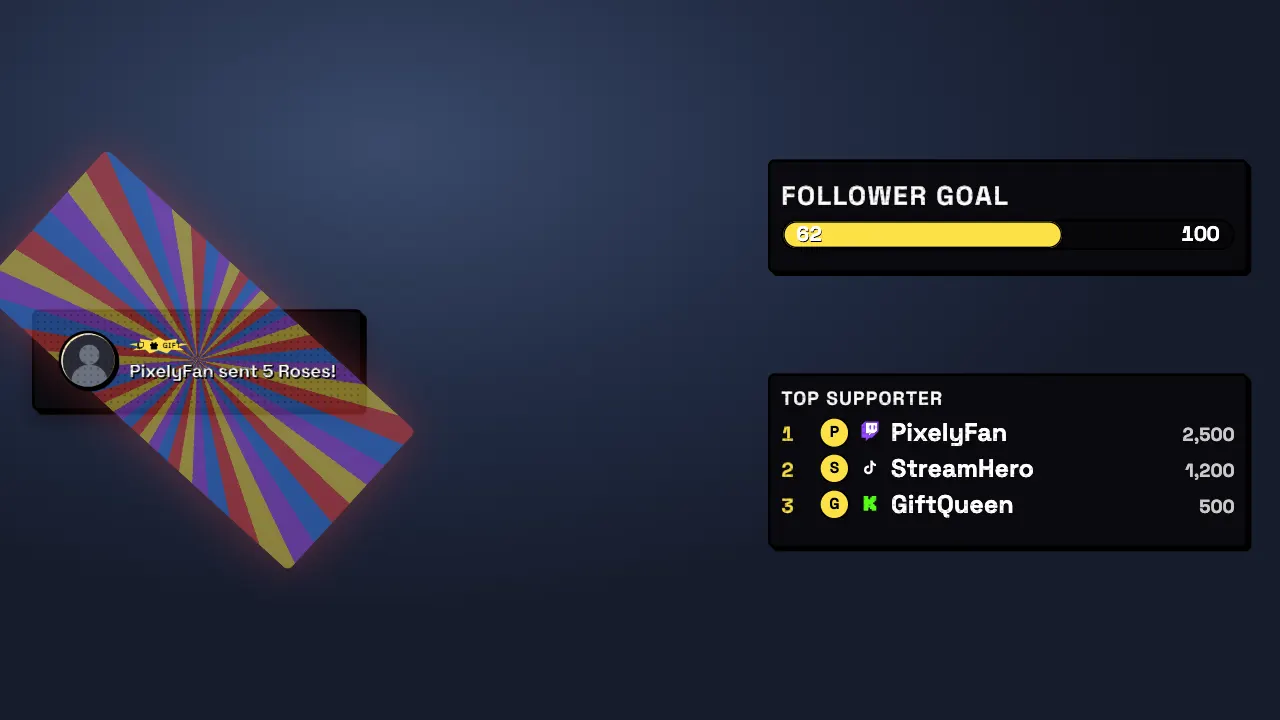
Themes that change everything at once
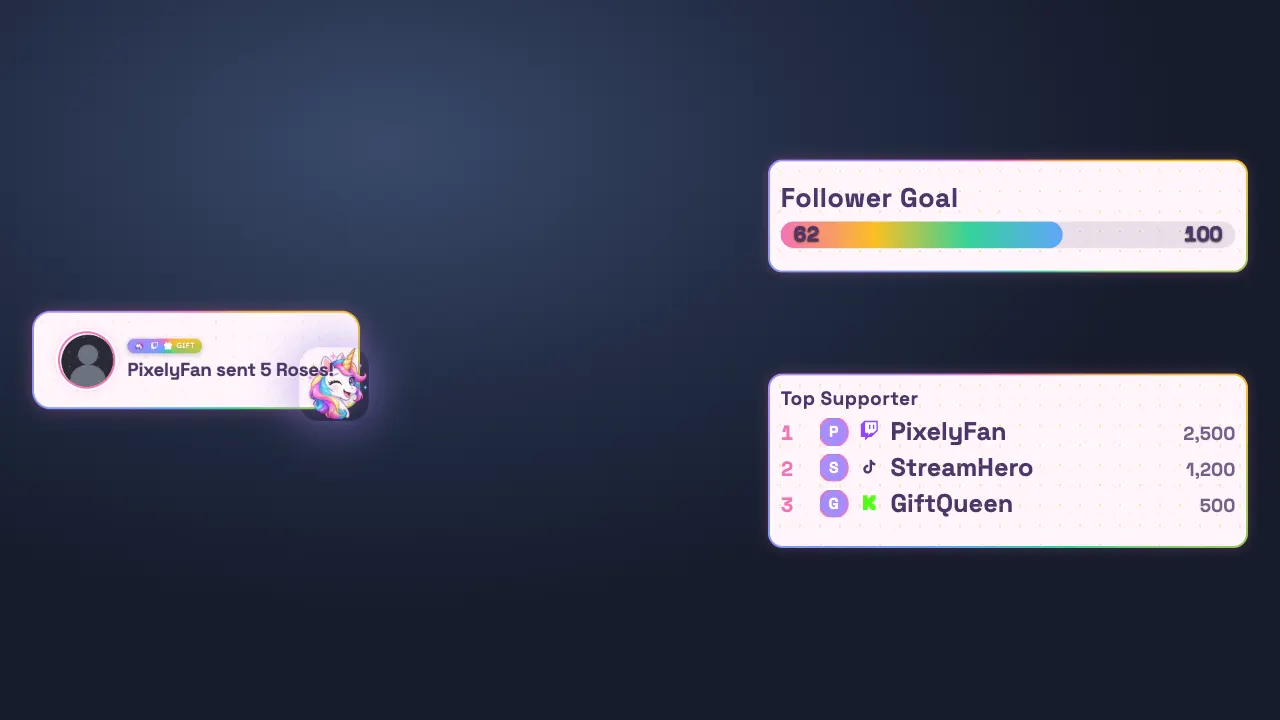
A theme sets the look of your alerts, rewards, widgets and stream scenes together: colors, fonts, cards and effects. Switching the theme restyles all of them in one go, so your stream always looks like one piece.
Browse and install inside PixelyChat
The Theme Library shows free themes from PixelyChat and the community right in the app. Search, pick one and click Install. It then appears under your themes, ready to use. When a theme you installed gets an update, PixelyChat tells you.
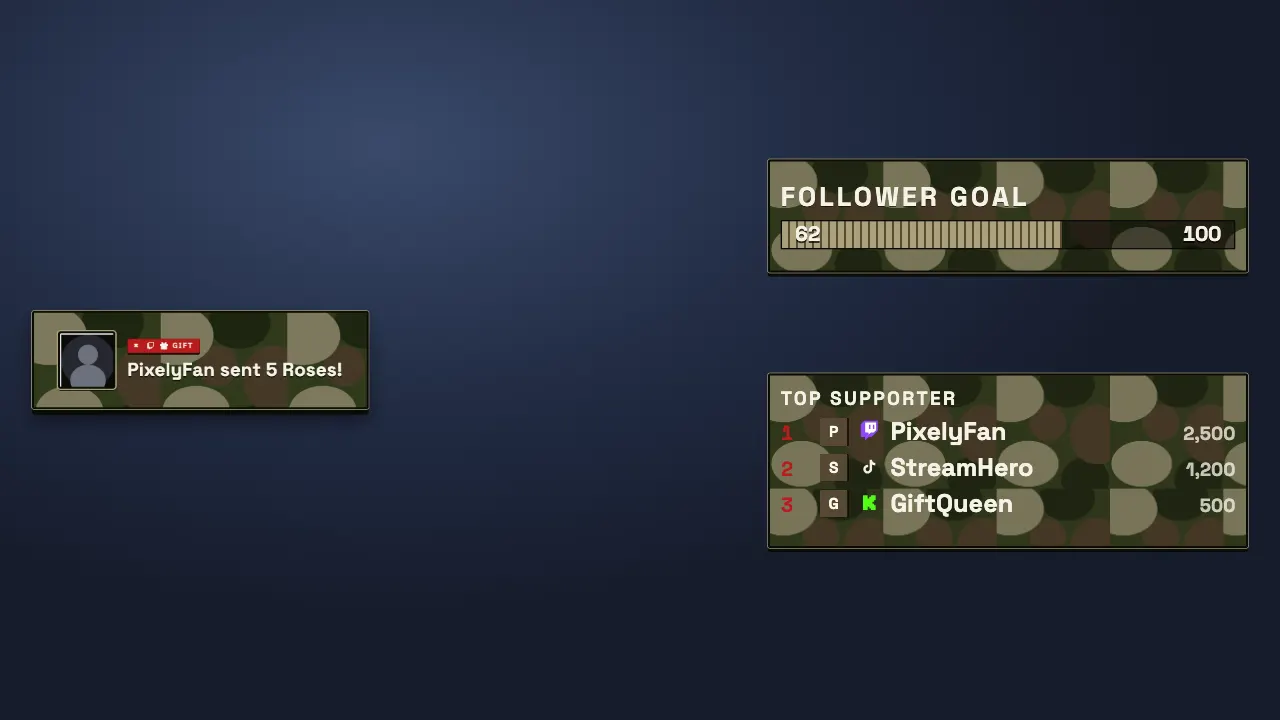
Make your own
You can build a theme yourself and share it with other streamers. The Theme Library website shows every theme with a preview, and explains how to create and submit one.
Community themes are only partially reviewed by PixelyChat. Use them at your own responsibility.
Try it
- Open Scene → Theme and go to the Theme Library.
- Pick a theme and click Install.
- Select it, and watch the preview change your alerts and widgets.