 PixelyChat
CHAT TEXT-TO-SPEECH
Let chat talk while you focus on the game.
PixelyChat turns live chat into configurable text-to-speech across supported platforms, with controls to keep raids, spam and noisy bots from taking over.
Free on Windows, macOS and Linux. No subscription or ads.
TTS that is designed for live chat
Chat TTS is very different from reading normal text. Messages arrive quickly, some users should be ignored, and a huge backlog isn't useful. PixelyChat gives you controls around that reality.
- Choose voices and reading speed
- Ignore users or bots
- Control queue limits and behavior
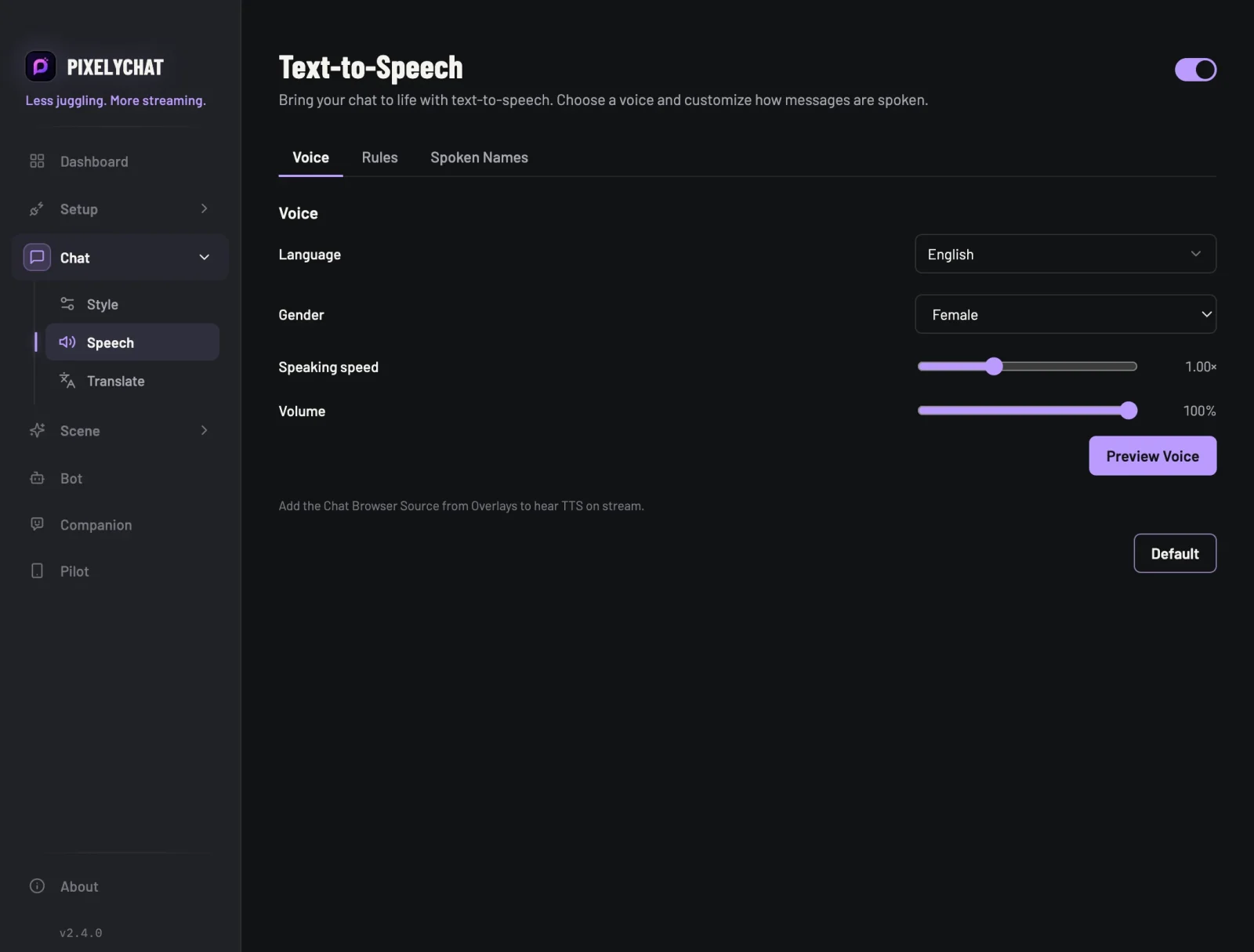
Use TTS without giving up your chat workflow
TTS lives alongside unified chat, moderation, translation and alerts. You can keep the actual chat feed visible while only the messages you want are spoken.
- Use TTS with Twitch, YouTube, Kick and TikTok chat
- Control who gets read aloud
- Keep the stream focused when chat gets busy
Set up chat TTS
PixelyChat keeps the setup simple so you can get back to streaming.
Choose a voice
Pick a voice and tune the reading speed.
Set your filters
Ignore bots or specific users and decide how much backlog is acceptable.
Go live
Leave TTS running while PixelyChat handles incoming chat.
Frequently asked questions
Can I stop bots from being read?
Can I control the reading speed?
Does it work with multiple platforms?
Explore more
Related PixelyChat guides and features.
Ready to simplify your stream?
PixelyChat brings your chat, TTS, translation, alerts and moderation into one desktop app built around the way streamers actually work.