 PixelyChat
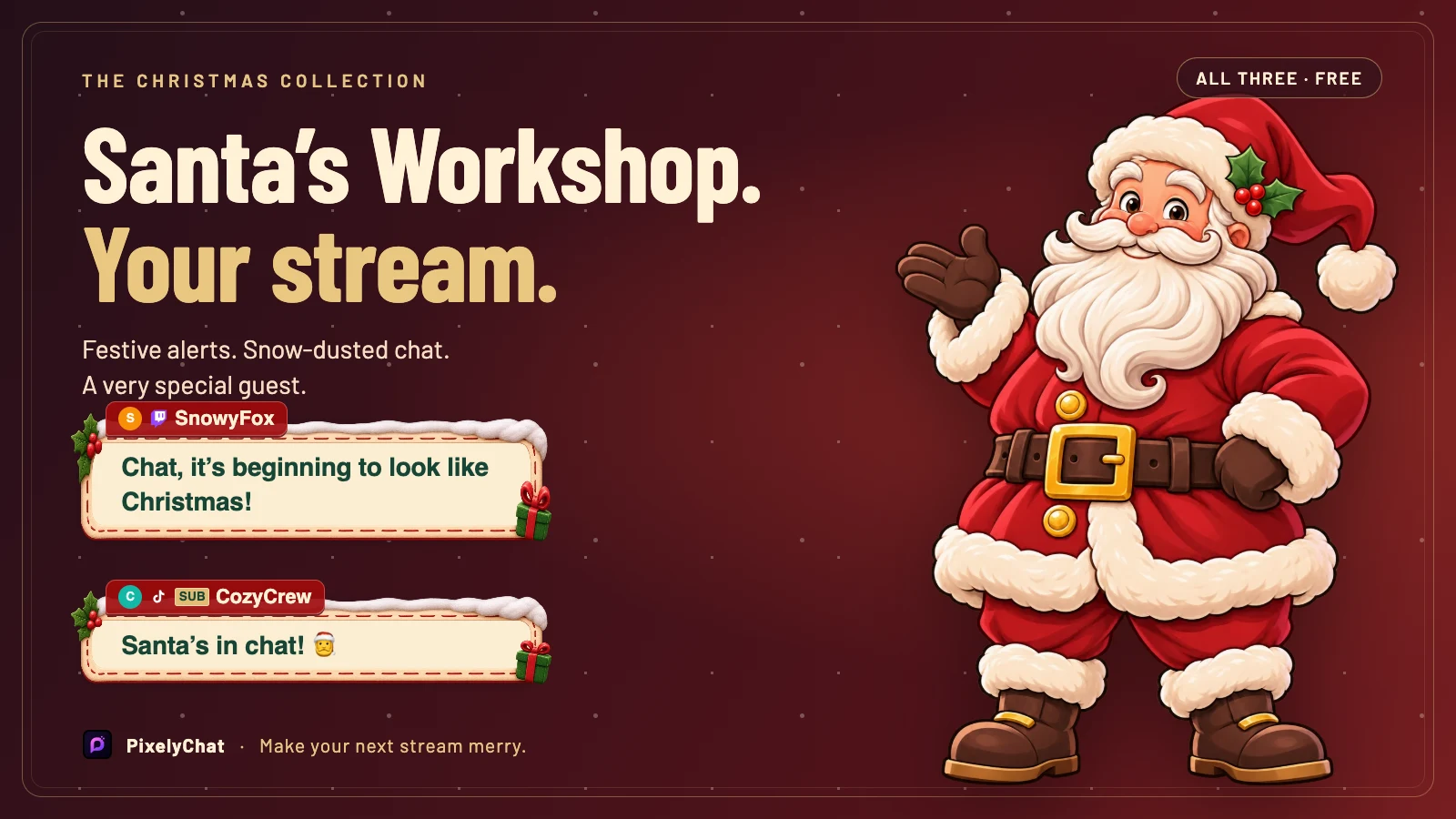
A little snow. A lot of Christmas spirit.
Time to dress your stream for the holidays. Santa’s Workshop brings rich red, warm gold and snowy details to your alerts and widgets. Give chat its own stack of festive gift cards, then invite Santa Noel to join you as your Companion.
All three are free to install. Use the whole collection for a matching Christmas stream, or pick the pieces you love.
01 / Set the festive scene
Every celebration deserves a little snow.
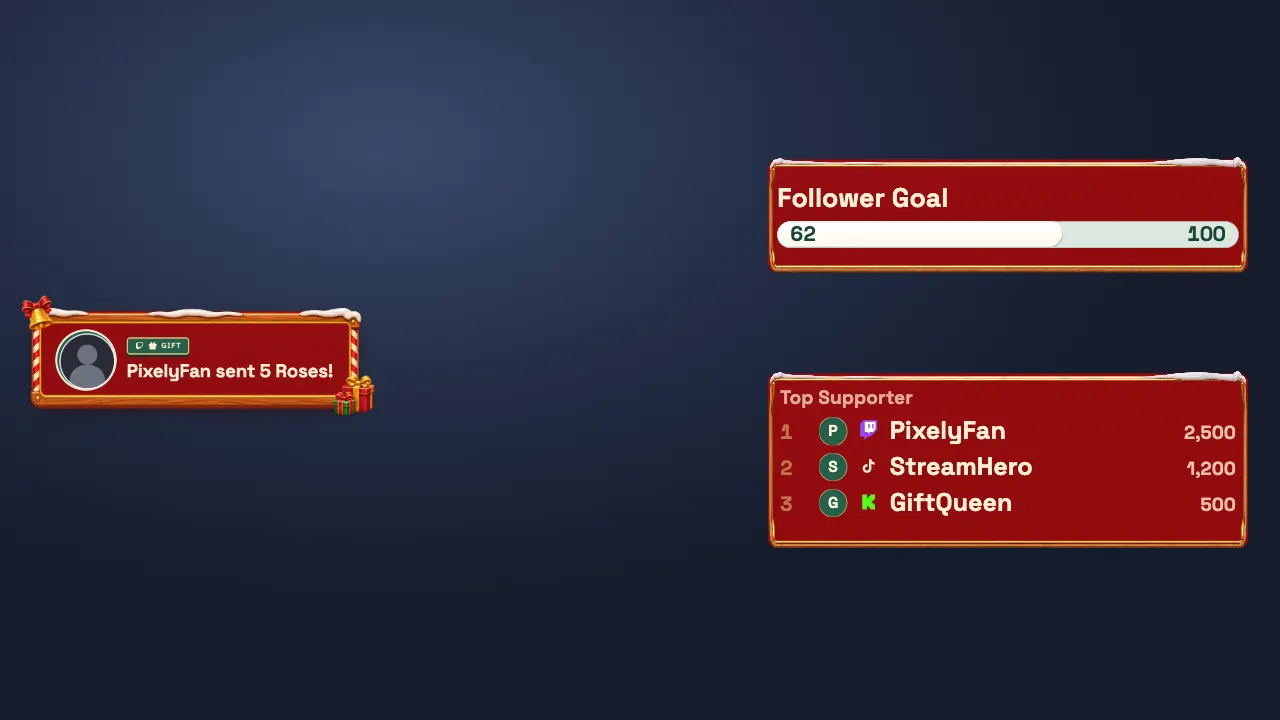
A new follower, a gift from chat, a goal reached: make those moments feel like Christmas. The Santa’s Workshop scene theme gives alerts, rewards, widgets and stream screens a coordinated holiday look, with red and gold frames, snowy edges and festive decorations. Falling snow adds a little extra magic to alerts.
Put it on your stream
- Open Scene → Theme → Theme Library in PixelyChat.
- Find Santa’s Workshop, choose Install, then Use theme.
- Set the alerts, rewards and widgets you want to match to Use Scene Theme. Check the preview and send a test alert before going live.
02 / Gift-wrap your chat
Good company. Beautifully wrapped.
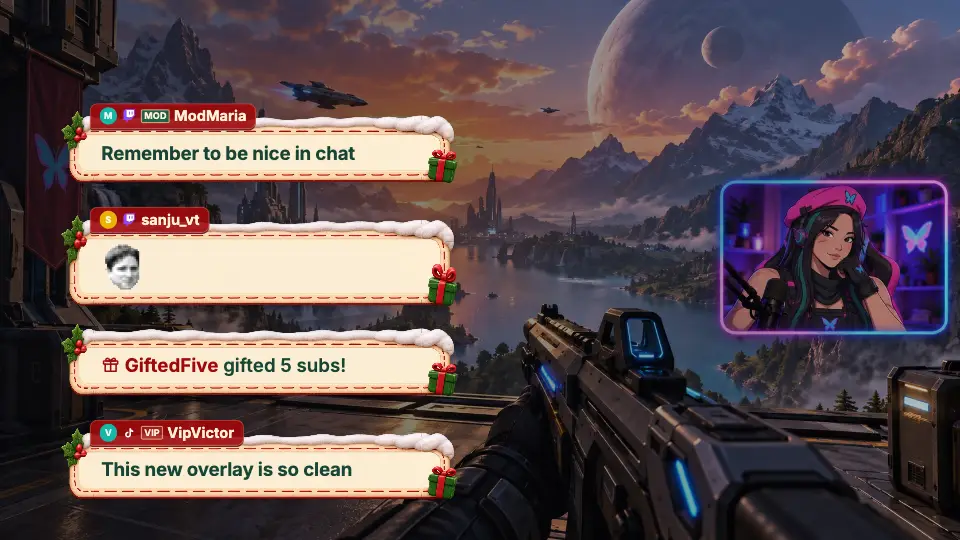
Every message gets a snow-dusted card, stitched red edging, holly and a tiny wrapped present. Red username ribbons tie the Santa’s Workshop chat style to your alerts, while warm cream cards keep the conversation easy to read. It’s a cozy place for your community to spend the holidays.
Give chat its Christmas look
- Open Chat → Style → Style Library.
- Find Santa’s Workshop and choose Install.
- Return to Overlay, select the installed style and check the preview. Your font, avatar, platform icon and timestamp settings still work.
This style is for the Chat Overlay your viewers see on stream. The Chat Dock and On-Screen Chat have their own appearance.
03 / Invite a special guest
Santa has entered the chat.

That beard. That grin. That unmistakable red suit. Santa Noel is ready to bring some holiday cheer to your stream as your AI co-host.
With matching idle, talking, happy, surprised and thinking expressions, he’s dressed for every conversation. Choose the voice and personality that fit your stream in Companion settings.
Welcome Santa to your stream
- Open Companion → Avatar Library.
- Find Santa Noel and choose Install, then Use avatar.
- Check him in the Companion preview, then show your Companion overlay on stream.
Your next stream could use a little Christmas.
Pick your festive favorites, check them in the preview, and make yourself at home in Santa’s Workshop.
Find your Christmas look in the library