 PixelyChat
Donations. Every tip gets its moment.
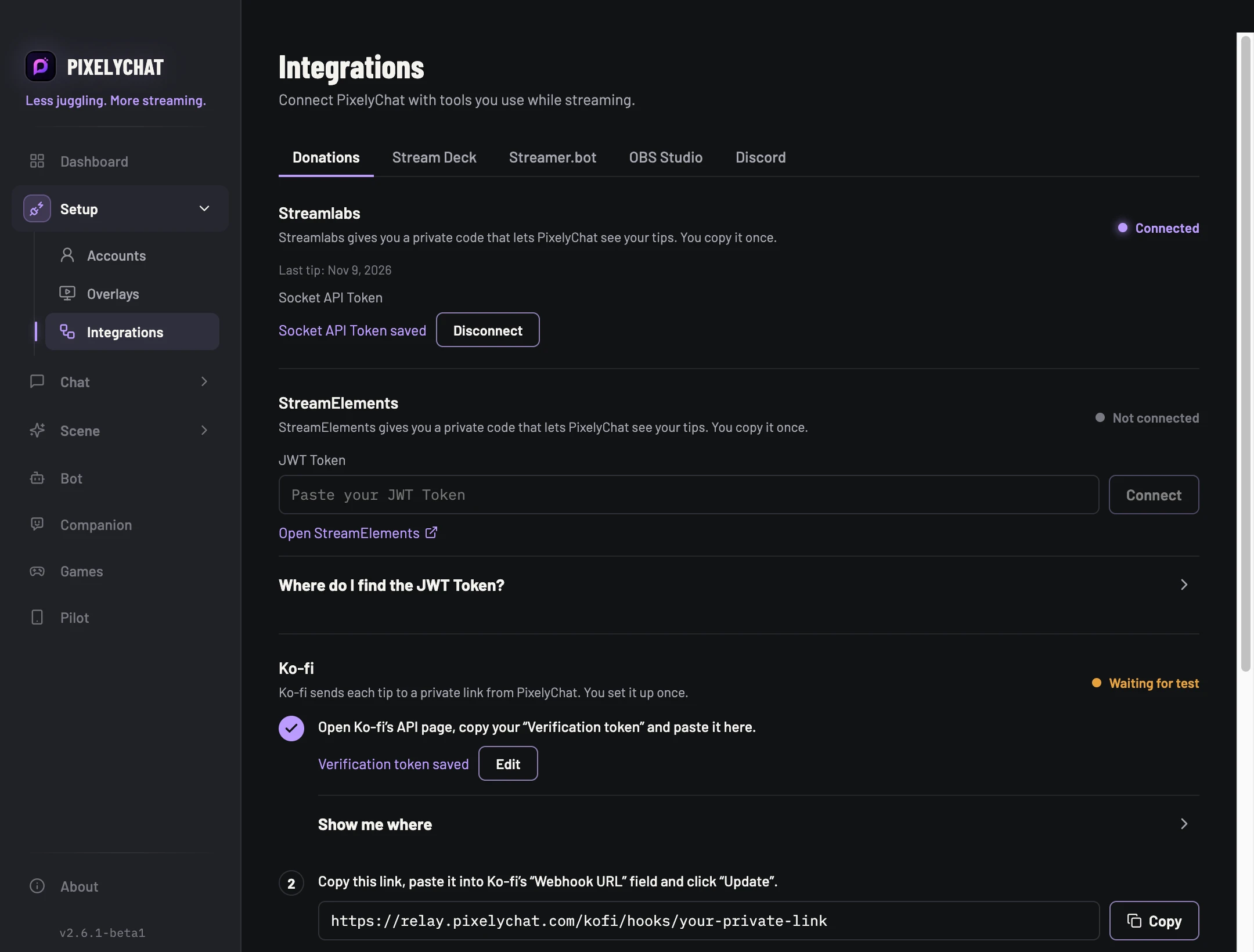
Bring tips from Streamlabs, StreamElements and Ko-fi into PixelyChat. Show a Donation alert, see the tip in chat and the Activity Feed, hear it read aloud and let your bot thank the supporter. Donations can also count toward your Gifts Goal.
Connect your services in Integrations → Donations. Each service has its own setup guide. Use Show donor messages to choose whether the supporter's message appears alongside their name and amount.
Trivia. Who really knows their stuff?
One question. Four answers. A chat full of people who are absolutely sure they're right. Viewers on Twitch, YouTube, Kick and TikTok play together by typing A, B, C or D in their own chat. Correct answers earn points, streaks add bonuses, and the highest score wins.
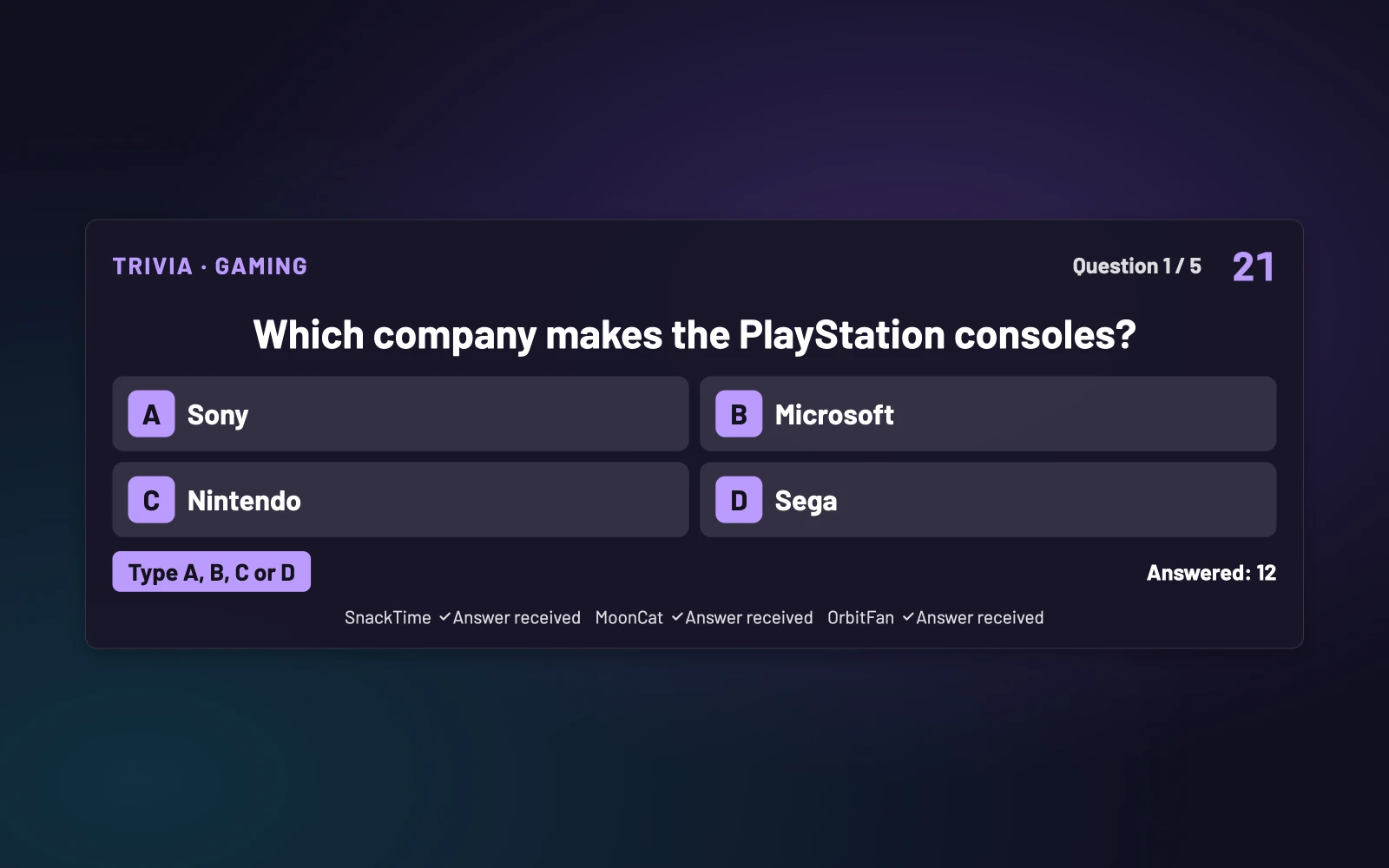
Enable Trivia in Games → Trivia. Choose question packs, the number of questions and the answer time, then start a show from the Dashboard, Pilot or OBS action dock. Use the included packs, edit questions or create and import your own packs for a quiz that fits your community.
Give your regulars a voice of their own.
Choose a different TTS voice for each viewer in Chat → Speech → Viewers. Add their platform and username, then pick a voice, a spoken name or both. Their messages, including translated ones, use that voice. You can also open a viewer's chat menu and choose Set name or voice….
Under Chat → Speech → Rules, the Emotes in speech dropdown gives you three choices:
- Skip emotes: Leave emotes and emoji out of speech entirely.
- Say “Emote”: Use a short spoken cue instead of reading emote names.
- Read emotes: Read emotes aloud.
Celsius or Fahrenheit? Your chat, your units.
Find Temperature conversion in Chat → Translate and choose Celsius or Fahrenheit. Temperatures in chat are converted to your preferred unit in the Dock and Dashboard. This conversion is for your own view; it does not change the chat shown on stream.
More room to talk on YouTube.
YouTube message sending limits have increased, and bot messages are now enabled for YouTube too. Keep the conversation going with more room for your own messages and automated replies.
Twitch fundraisers and announcements.
Twitch Charity now works with bot thank-you messages, charity donation alerts and the Charity Goal widget. Show the fundraiser's progress on stream and recognize the viewers helping it grow.
Bot messages can now use Twitch's Announcement style, making important lines stand out in chat. Choose the announcement style and color in the bot's message settings. A separate bot account must be a moderator; during Shared Chat, messages are sent as normal chat messages.
For both Twitch Charity and Twitch Announcements, log in again to your main Twitch account and your bot account. Reconnect your main account in Accounts, then disconnect and add the bot account again so both receive the updated permissions.
Linux: pacman packages join the lineup.
PixelyChat now includes a pacman package for Arch-based Linux distributions, including CachyOS. Pick the pacman download for your system from the website's Linux downloads.