 PixelyChat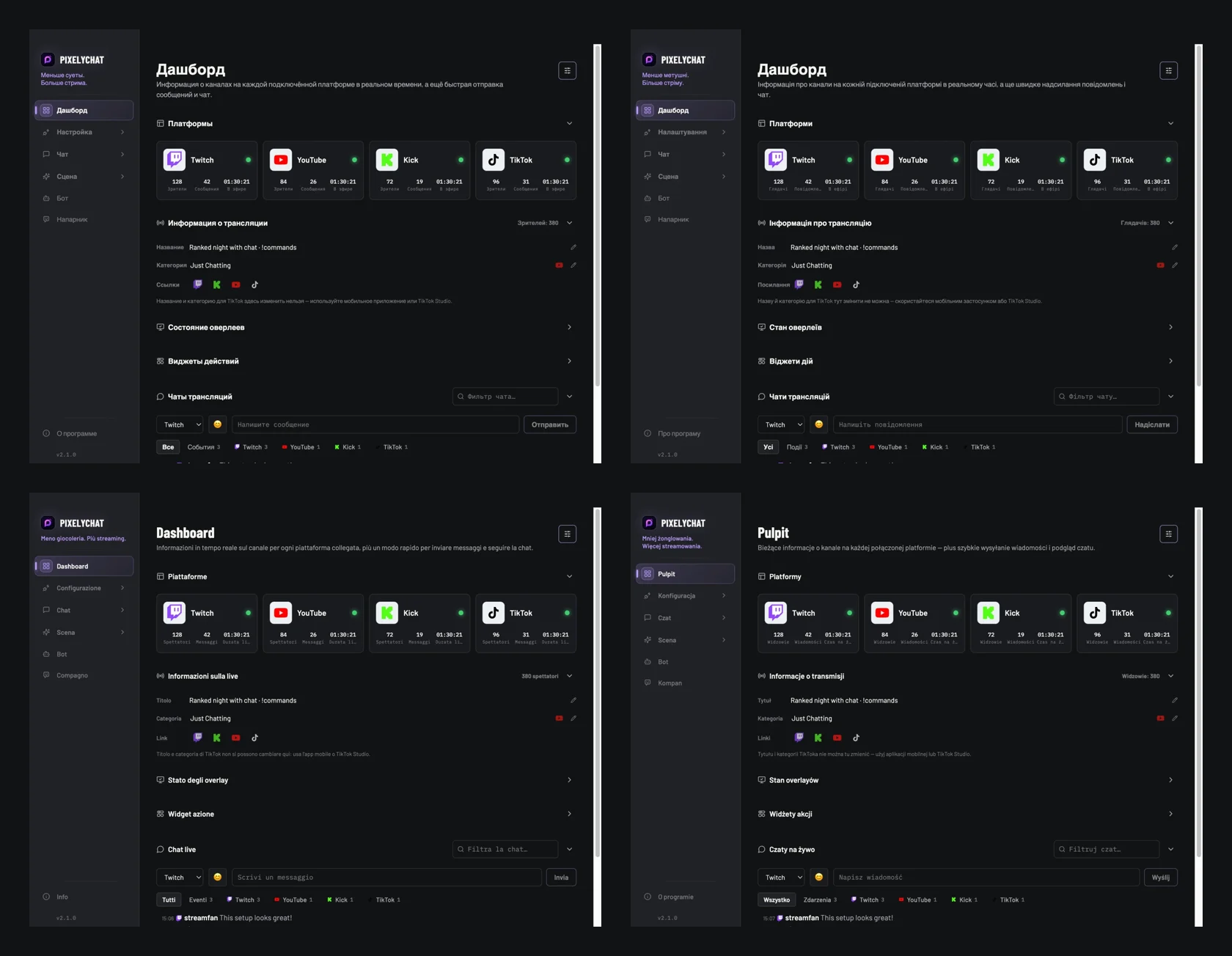
15 languages
PixelyChat now runs in Russian, Ukrainian, Italian and Polish, which brings the total to 15 languages. Everything switches over: menus, bot replies, on-screen alerts, spoken TTS announcements and the Companion, including its voice and speech recognition.
We matched every translation to the words streamers already know from Twitch, YouTube, TikTok and OBS in that language, so Channel Points, raids and the Browser Source are called what you expect.
- Pick your language on first launch, or change it anytime under About → Language.
- Each of the four languages also has its own page on our website: Русский, Українська, Italiano and Polski.
Chat that clears itself
Until now, messages in the Chat Overlay stayed on stream until new chat pushed them out. On a quiet stream, the same old messages could sit there for a long time. With Message duration, each message fades out after the time you choose, and the messages below move up, just like when new chat arrives.
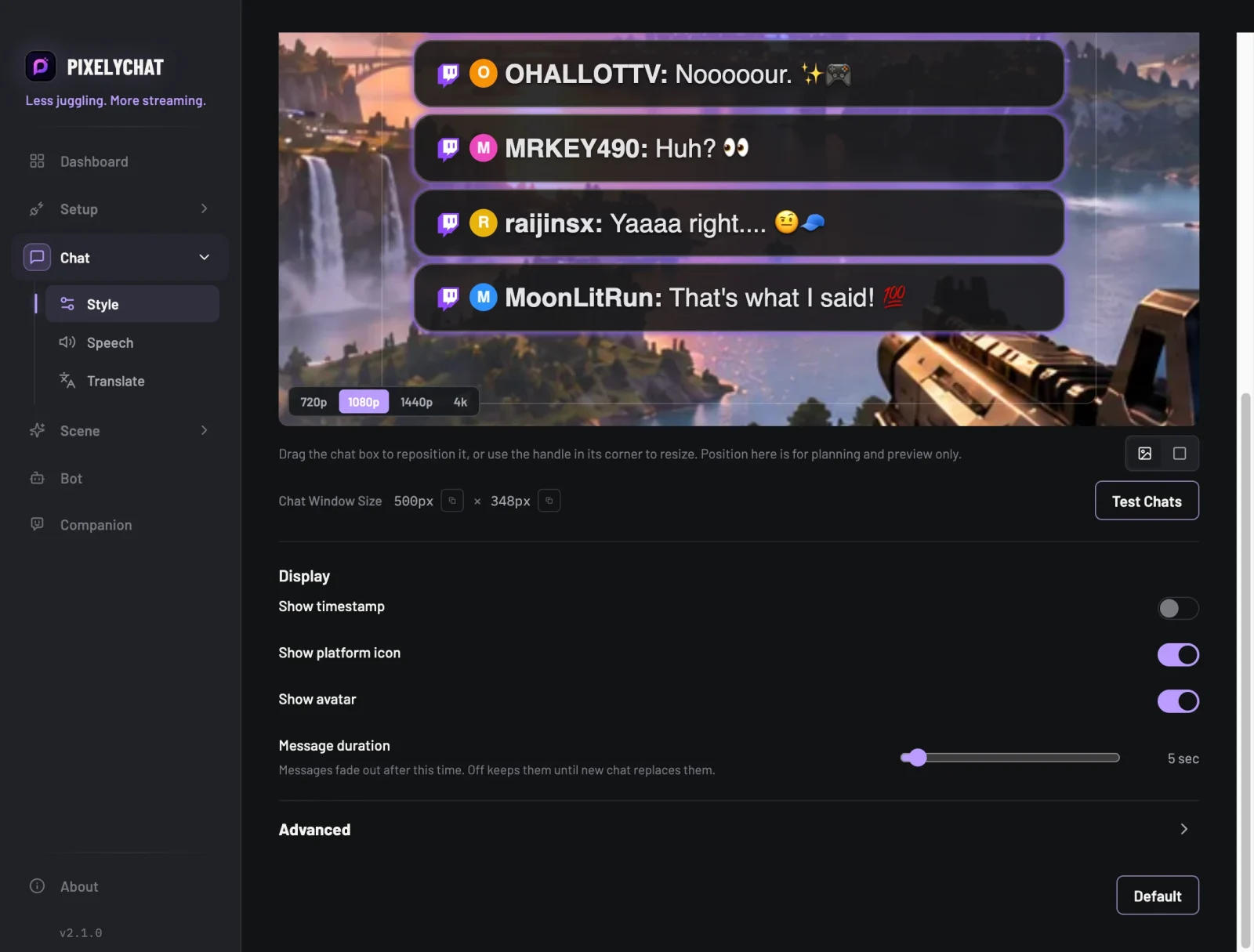
- Choose from 5 seconds up to 2 minutes, in steps of 5 seconds.
- Off keeps the familiar behavior: messages stay until new ones replace them.
- With the Panel style, the background fades away too once the last message is gone, and comes back with the next one.
- Click Test Chats to see it in the preview.
Message duration applies to the Chat Overlay on stream. The Dock is not affected, and On-Screen Chat keeps its own setting.
Try it
- Update to the latest PixelyChat.
- To change the language, open About → Language.
- For disappearing messages, open Chat → Style, then set Message duration under Display.