 PixelyChat
Chat & moderation
Translate
Translate incoming chat into your language automatically, and keep the languages you already understand as they are.
Before you start
- Your platforms are connected in Accounts.
- Only incoming chat is translated.
Set your languages
- Open Translate and switch it on at the top of the page.
- Under Languages You Understand, use Add a language… to add every language you can read.
- On the language messages should be translated into, click Make primary (translation target).
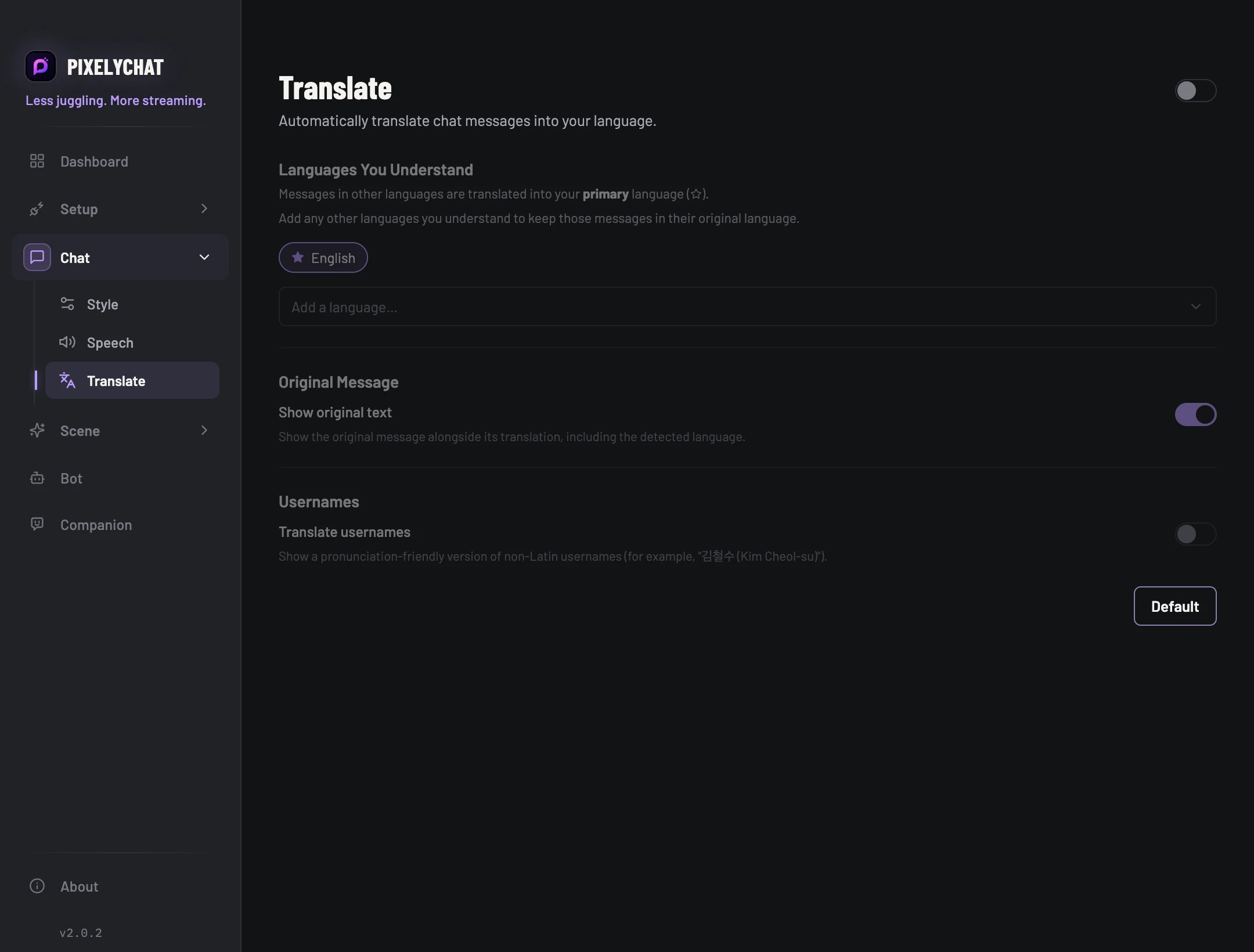
Messages in a language on your list stay unchanged. Everything else is translated into your primary language.
Choose what you see
- Show original text: Show the original message alongside its translation, including the detected language.
- Translate usernames: Show a pronunciation-friendly version of non-Latin usernames (for example, "김철수 (Kim Cheol-su)").
- Temperature conversion: Converts temperatures in chat to the chosen unit. Dock and Dashboard only, not on stream.
Check the result
You should see: A message in a language you don't understand shows a translation in your primary language, and a message in a language on your list stays unchanged.
If it doesn't work
- Nothing is translated: check that Translate is on and that the message's language is not on your list.
- If the translation service keeps failing, PixelyChat shows a warning and shows chat untranslated until the service recovers.
- Changing the list only affects new messages.