 PixelyChat
 Viewer interactions
Rewards & Power-Ups
Let viewers trigger sounds, visuals and spoken reactions, while keeping platform reward bindings and stream presentation in one editor.
Before you start
Connect the platform that provides the reward trigger. Add the Stream Scene Browser Source for on-screen output, and prepare any sound or visual in Media.
Build a viewer-triggered reward
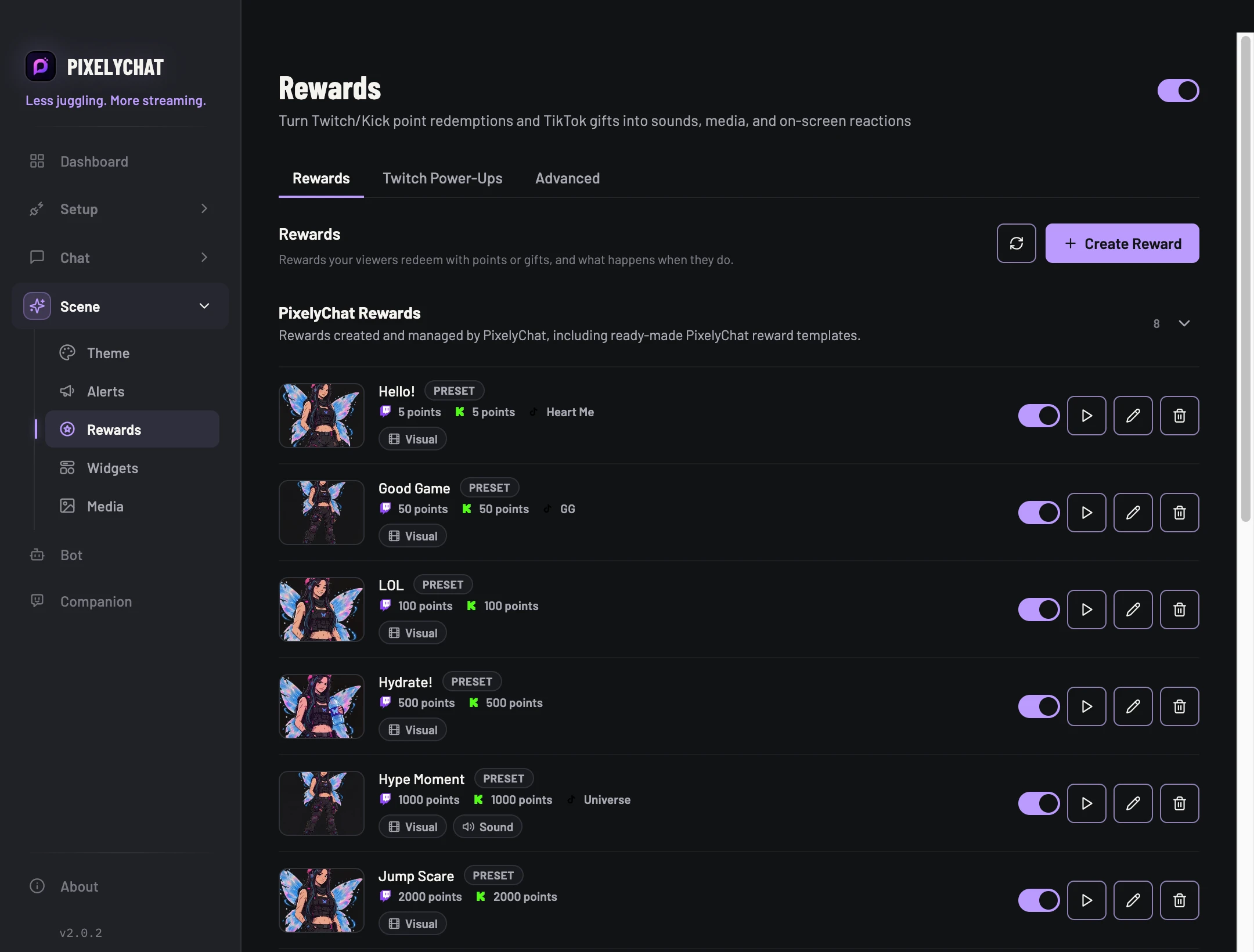
- Open Rewards and create or edit a reward. Choose the supported platform trigger that should activate it.
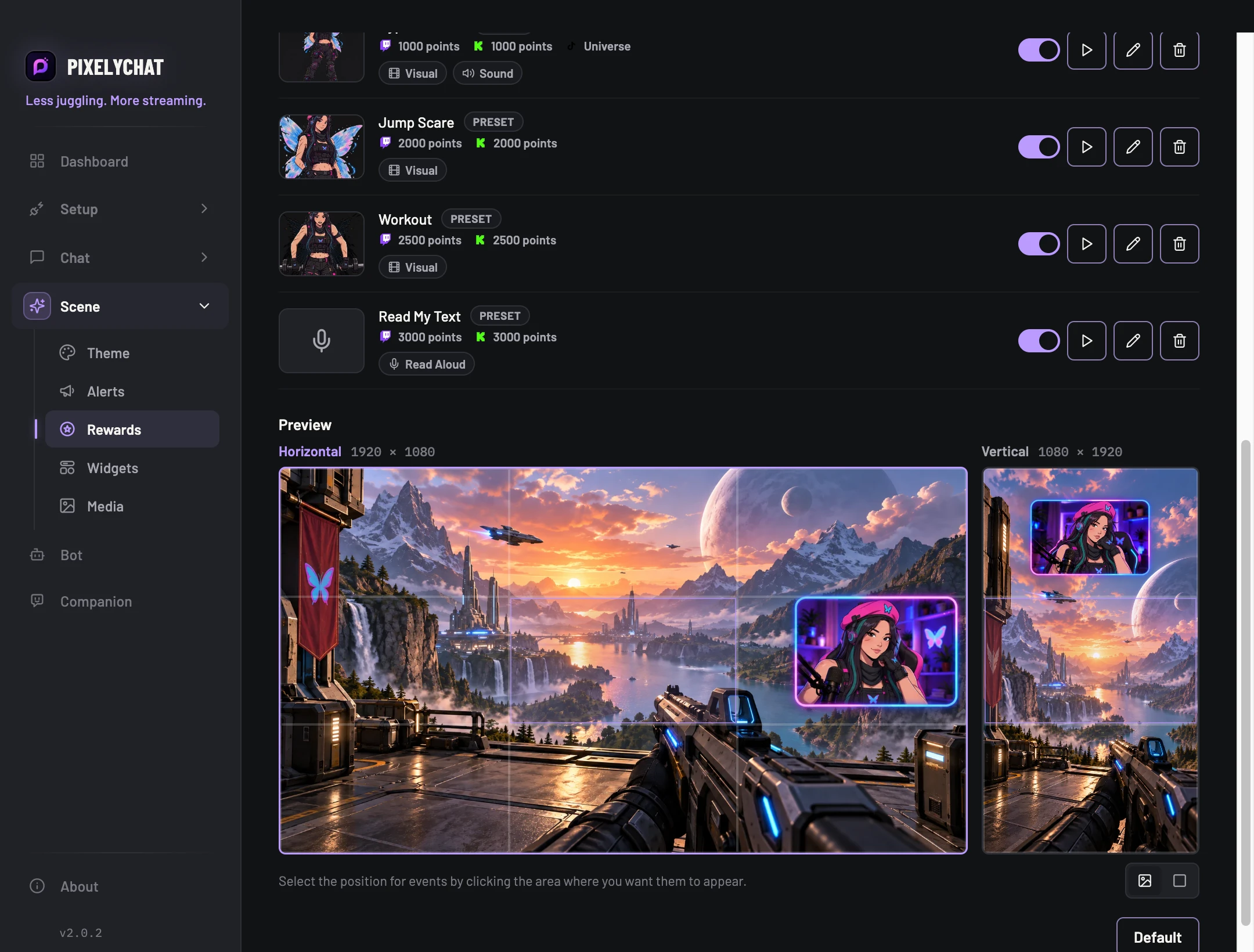
- Select its visual or audio and configure the presentation. If you enable Read Aloud, check its message and volume settings too.
- Save the reward and use its available preview/test controls to inspect the output. Then verify the platform binding with a real redemption when you are ready.
Check the result
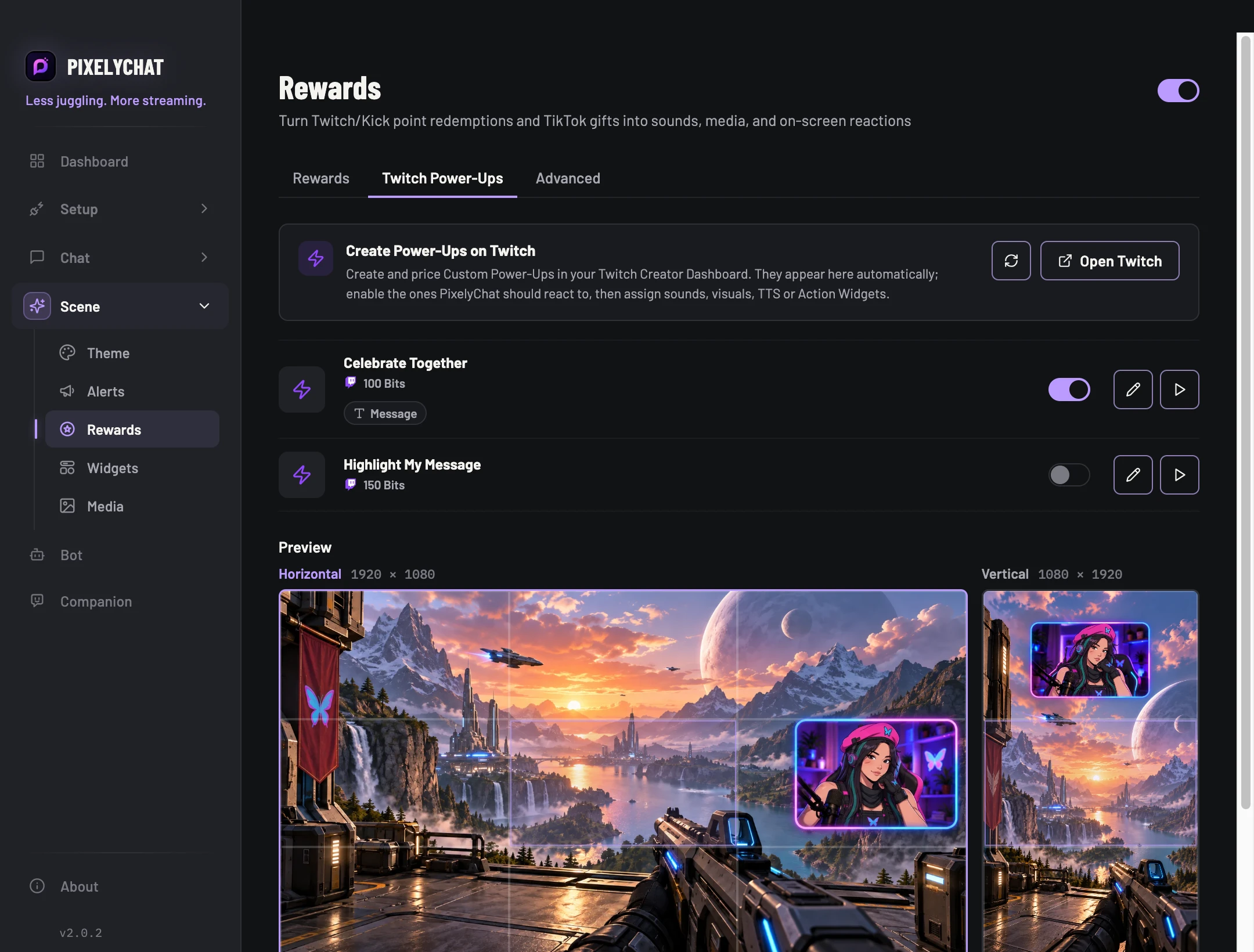
The intended trigger runs the intended reward. If the preview works but redemption does not, check the platform binding and connection. Twitch Power-Ups are read-only triggers here: manage their availability and pricing on Twitch.
Settings and further help
One reward can combine several reactions.
Build a reward from an audio asset, an on-screen visual and optional Read Aloud speech, then bind it to the supported platform trigger. PixelyChat-created rewards keep their local configuration even if a remote reward temporarily disappears.